
How to choose a 3D Printer for your School - Part 1 - The Printers
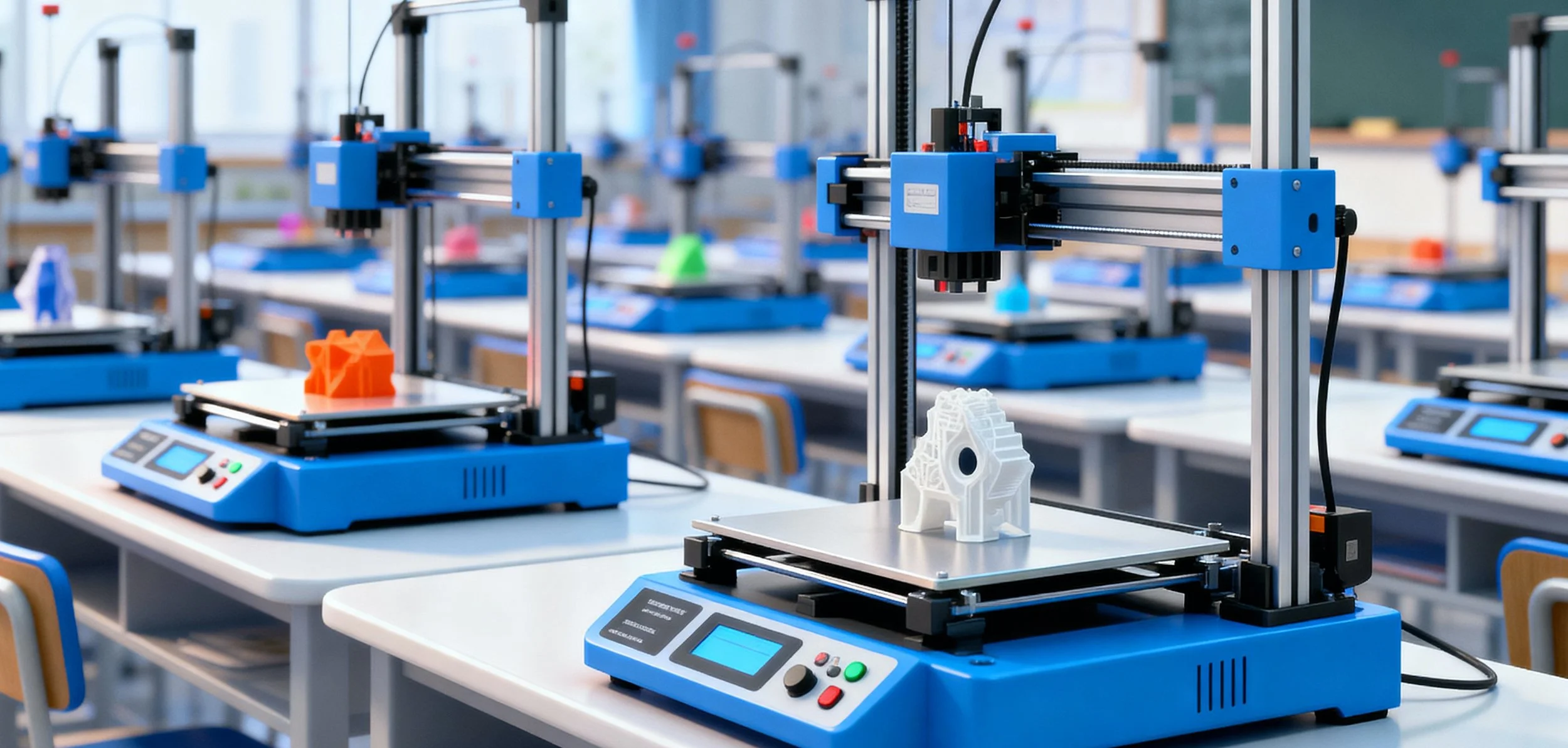
3D printing is probably the single most creative thing that I have ever done in my 55 years of life. If that doesn’t convince you to at least take a look into it, then I reckon nothing will. Why is it creative? You start with a blank sheet and build from there. You can make just about anything within reason these days. If you get into the industrial version, you can build models of large buildings and structures, use exotic materials or print a house! For most of us though, we just want a model of a character or maybe a tool or fixture or perhaps even something so useful as an Iron Man helmet!
In terms of education, the benefit is that 3D printing allows us to go from the realm of projects to products - a world of difference. Creativity is a given but if you were running projects before, you were doing STM (without the ‘E’). Precision thinking is involved; by contrast projects are generally simple and plug and play. Projects turned to products will bring the sweat to the brow and ultra-concentration to the mind. Real thinking, iteration, failure and perseverance are a different world from the Arduino projects we all did 10 years ago.
So there is good news and good news. Firstly the good news is that there is no bad news. Secondly, the good news is that 3D printers are low cost, easy to use, fast in operation and low maintenance. If you want your students to be creative, you can do it in many ways but 3D printing is the ultimate power-up. You won’t know until you feel it so I urge you to try. Let’s take a look at the key considerations for a school before you make a purchase.
Reliability
The old days of 3D printing (5-10 years ago) was for middle-aged men who actually wanted the printers to break so that they could give them something to do. Printers were invariably ‘always’ broken. Over the years I’ve been in a lot of schools, and until quite recently the story was the same: printers sitting unused, printers nobody knew how to use for months or even years, or printers on the eternal “things to fix” list. However, I have been encouraged to see printing alive and well at Kambala Girls Rose Bay (2x brand new Bambu X1Cs), St Claires in Waverley (Ultimakers), William Clarke College who had a mini print farm of Prusa 4s and Knox Grammar School who I’m told have a print farm but I didn’t manage to see it when I was there.
But I’m getting off the point - nowadays 3D printers are extremely reliable. They can go for years of near constant use without breaking down. Case in point: I visited an engineering company in Sydney who wind test scale models of skyscrapers & stadiums around the world - some of them “hush hush”. The guy who runs the print farm was slowly replacing their 50 strong Flashforge printers with the Bambu Lab X1C. They run the Bambus “24/7 and they never break down” - I was convinced so I bought a P1S !
Robustness
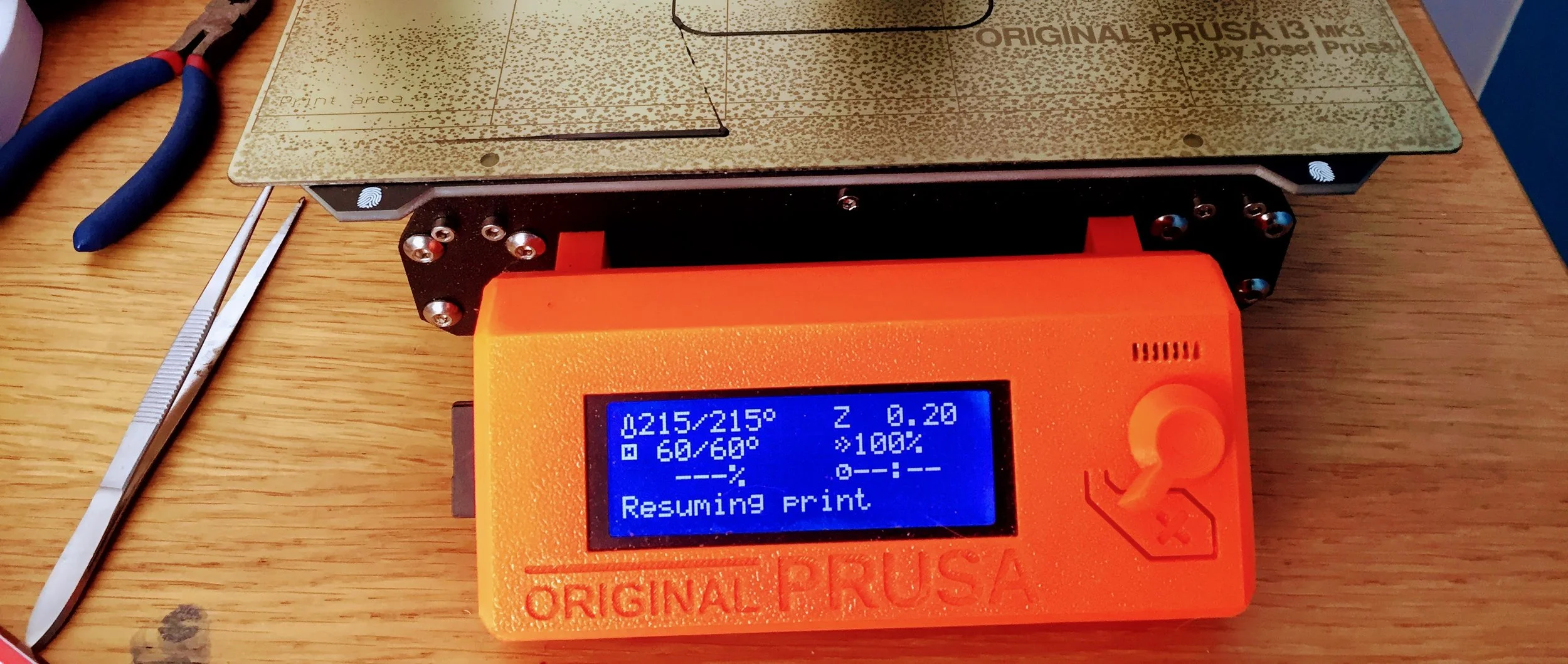
By robustness, I mean the printer is built solidly — out of strong, long-lasting materials — and runs consistently well. If it does happen to break down, it should do so in a way that’s predictable and fixable. A robust printer fails gracefully, and there’s a clear, straightforward way to get it back up and running.
You won’t be doing that often, though.
Ease of Use
Buying a 3D printer in 2025 is almost like buying a TV — it really is plug and play. Being a bit of an evangelist for 3D printing, I’ve convinced two of my colleagues to buy a Bambu printer, and another two are thinking about it. We’re also getting the latest H2S at work.
The point is, one of my colleagues had no real prior interest or experience in 3D modelling or printing. She’s also close to retirement age (and I say that with zero ageism intended), yet she got her printer running without a hitch -and it was one of the bedslinger A1 Minis!
Sending a file to print is a breeze. Everything is networked, and in a school setup you’re covered with print-farm management software, whether it’s proprietary or third-party. Bambu Labs don’t yet have a web-based view for students but there are easy ways around this - your IT person/dept. will need to get involved and will figure out the best way to segment your printers onto the school network.
Changing filament, handling runouts, failed prints, and the odd software glitch are all straightforward these days. More people than ever are buying 3D printers because they just want to print something and not because they want a new hobby. If there was ever a time to buys one, it is now.
Speed vs Detail
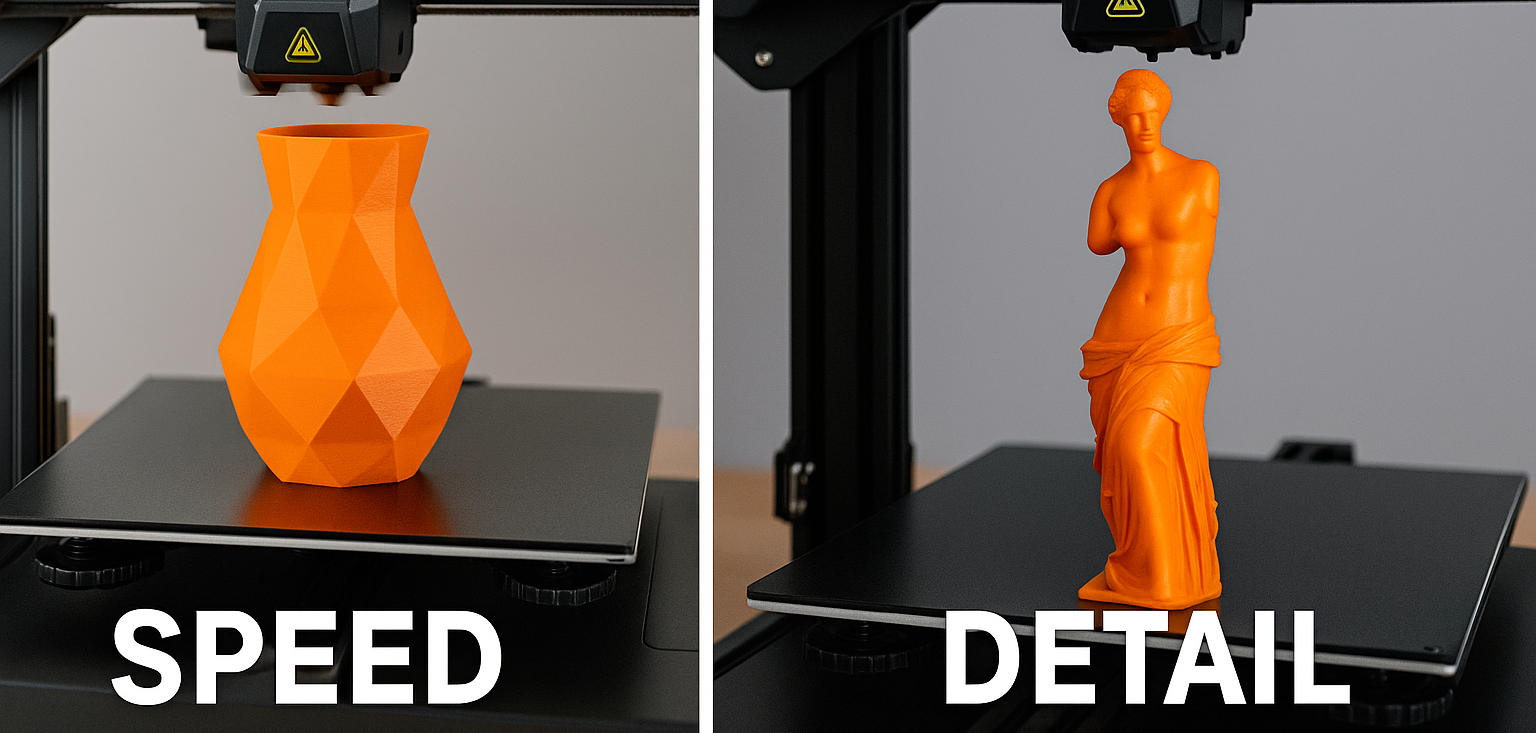
You can genuinely have the best of both worlds here. Printers today are far faster than those from just two or three years ago, so your default setting is already fast.
If you want a super-detailed print using a 0.2 mm nozzle, it’s naturally going to take longer. Most prints, though, use 0.4 mm or even 0.6 mm nozzles - 0.4mm is usually the standard. But “detail” isn’t always the goal. If you’re building rough prototypes or models without fine features, you can swap to a 0.6mm or 0.8mm nozzle (usually a two-minute hot-swap) and print much faster with a chunkier finish.
Speed matters, especially when you’ve got a line of students eager to see their work. But over time, expectations balance out - everyone learns that speed and detail are always a trade-off, and both have their place.
Safety, Support & Maintenance
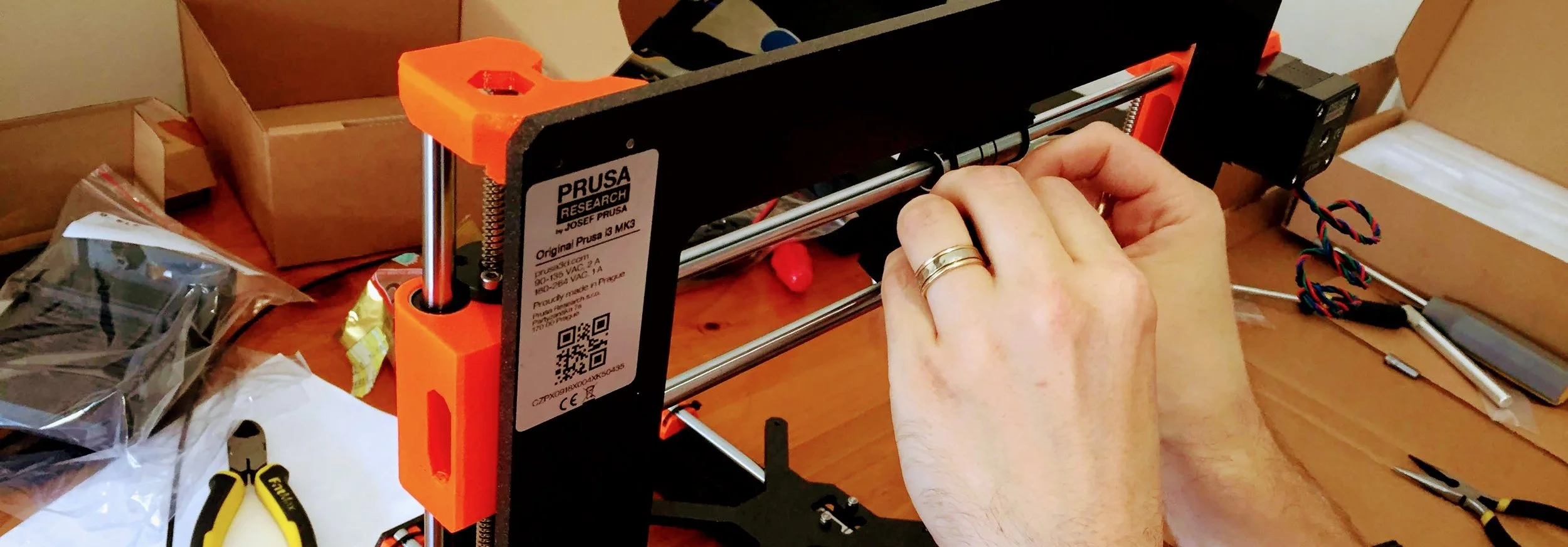
Safety in this context probably means: don’t burn yourself, cut yourself, drop something on your foot, or breathe in something you shouldn’t. In reality, the only real risk here is burning yourself — and that’s only if you’re being very careless. The nozzle runs at over 200 °C, but there’s rarely any reason to go near it unless you’re cleaning off gunk (and even then, use a small metal brush, not your fingers).
You should also be aware of the filament you’re using, even though that’s not technically part of the printer. For schools, stick to PLA or PLA+. I really hope no one out there is still using ABS - it gives off toxic-ish fumes and needs proper ventilation. I once had to advise a school to stop using it altogether and switch to PLA instead 😮
Support should be easy to come by, either from the manufacturer or a third party. Prusa (amazing eco-system), UltiMaker (overpriced IMHO, so I wouldn’t recommend them), and Bambu Lab (catching up fast - and likely to surpass the rest soon) are the best in that regard. Honestly though, you shouldn’t need much support at all. Good support is there when you need it, easy to find, and actually works when you try to use it, which sadly isn’t always the case in the tech world.
Maintenance should take maybe one to two hours every few months. A drop of oil, a few tightened screws, a quick clean of the bed and nozzle. Easily done.
Filament will set you back anywhere from $20 to $100 per kilogram. For everyday prints, go with a cost-effective PLA and buy in bulk. Recyclable filament is available, but it’s pricier. If you use brand-specific filament like Prusament or UltiMaker, expect to pay a premium, though in some cases, the higher quality can be worth it.
Think about environment and sustainability too. Do you want cardboard spools? They’re better (more environmental) than plastic, and many manufacturers are switching to them. Just make sure they roll smoothly on your printer’s spool holder as some holders are happier with plastic.
You’ll also need to plan for filament storage. Keep all spools in a dry, ventilated place. If you use an Automatic Material System (AMS), it will keep filament dry for you, but it may limit which brands or spool types you can use. Organisation here takes time and can get messy, so have a clear storage and usage plan from the start.
Once you’ve got the hang of things, calculate your annual printing budget including filament and maintenance consumables. The school accountants will love you for it.
In Part 2 we will be looking at some of the questions you should be asking your school before you make any decisions.
At Nexgen, every project we create starts with pen & paper and usually progresses to 3D modelling because we believe it’s the best way to turn a project into a product — using an engineering process built on creativity, precision, and confidence within a community context. If you want to elevate your STEM projects and help students transform their ideas into tangible, purposeful products through a standardised design process, talk to us.
I should also add that Bambu Lab didn’t pay me anything in the making of this blog entry, however I do have my own affiliate link.
About Nexgen
Nexgen exists to help schools move beyond surface-level technology use and toward genuine technical capability. We focus on teaching students how systems work, how to think critically about technology, and how to build real things with confidence. Our programs emphasise creativity, curiosity, problem-solving, and collaboration, preparing students not just to use tools, but to understand them and shape what comes next.
Let’s Talk
If you are a teacher, school leader, or education decision-maker thinking seriously about how to prepare students for a rapidly changing technological landscape, we would love to have a conversation. Not a pitch, not a product demo, just a discussion about where your school is now and where it wants to go.
You can get in touch by emailing pete@nexgenstemschool.com.au
