
How to choose a 3D Printer for your School - Part 2 - Questions for your School
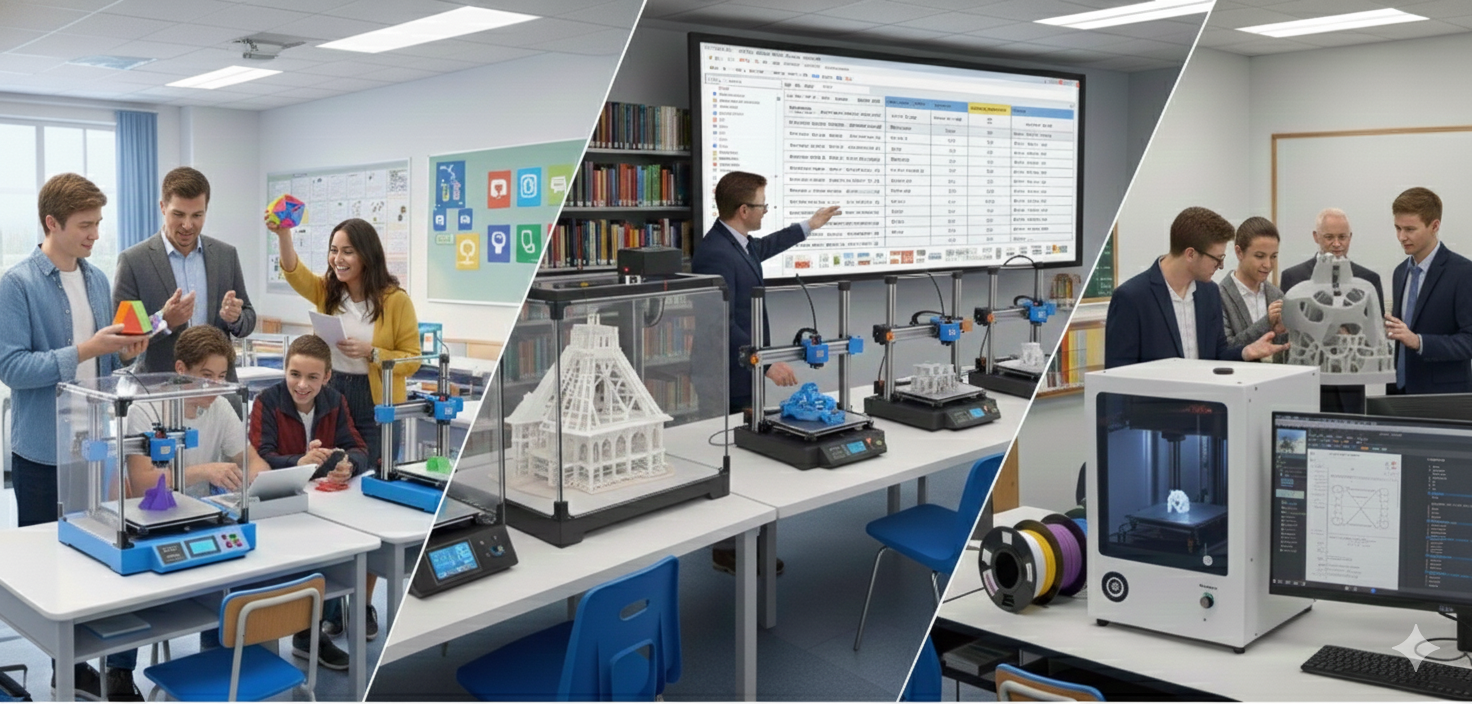
In Part 2 of this two part series on choosing a 3D printer setup for your school, Pete dives into the questions you should ask of yourself, your colleagues and your boss; school scenarios that you need to think through; budget ranges of different printer makes and consumable costs
Practical Questions for your School
Think about the following:
1. Which department will “own” the printer or printers?
This matters more than people realise. Ownership creates accountability - someone has to be responsible for keeping them running and accessible.
2. Will other teachers be able to use them?
If you’ve got a great setup but it’s locked away in one department, the rest of the school misses out. Decide early if it’s a shared resource or not.
3. What access will students have?
I highly recommend you let students use them. My daughter built my Prusa printers from scratch when she was 15 - and she has zero interest in tech or 3D printing. Just make sure you have a proper onboarding process, safety briefing, and usage guidelines. Possibly the worst thing you could do is make it “teachers only.”
4. How many teachers will be trained to use them?
Aim for at least two, plus your technician and ideally someone from IT. Otherwise, when the “printer person” is away, your whole program stalls.
5. Central print room or classroom printers?
A single print room or “mini farm” makes management and maintenance easier, especially if you’ve got several machines. But spreading them across classrooms can make access more flexible, so it depends on how your school operates.
Budget Ranges
Do you want a super-budget printer, a workhorse printer, or a high-end printer?
Budget printers typically suit ad-hoc classroom use, great for exploration and quick prototypes. You can expect to pay around $300-$500. A standout in this range is the Bambu Lab A1 Mini. It was my first Bambu printer and honestly, I can’t fault it. It’s fast, reliable, and just works. I did once have a mountain of filament build up on the nozzle while I wasn’t watching, but that was more about the model than the machine. Cleanup took a while, but the hot-swap nozzle made it easy.
Workhorse printers are the sweet spot for schools. They’re robust, fast, and endlessly dependable - like Duracell batteries that never stop. For around $600 and up, you can buy the Bambu Lab P1S. I have one and love it. The only warning? It’s fast. So fast that my desk literally vibrates. Make sure you’ve got a solid bench or print area before you fire up a few at once!
Alternatives include the Prusa MK4 or Core One, both excellent machines. You’ll be looking at roughly $600-$1500 for this tier, depending on features and build volume.
High-End & Bigger Machines
Why would you get one? Probably only if you need to print with advanced materials like carbon fibre or nylon. That’s a niche case - maybe for a Year 12 capstone project or an engineering class with a genuine need. Otherwise, it’s a luxury. The “bigger printer” argument doesn’t really hold up either; you can print large, modular parts just fine with the workhorse models.
Consumables and Hidden Costs
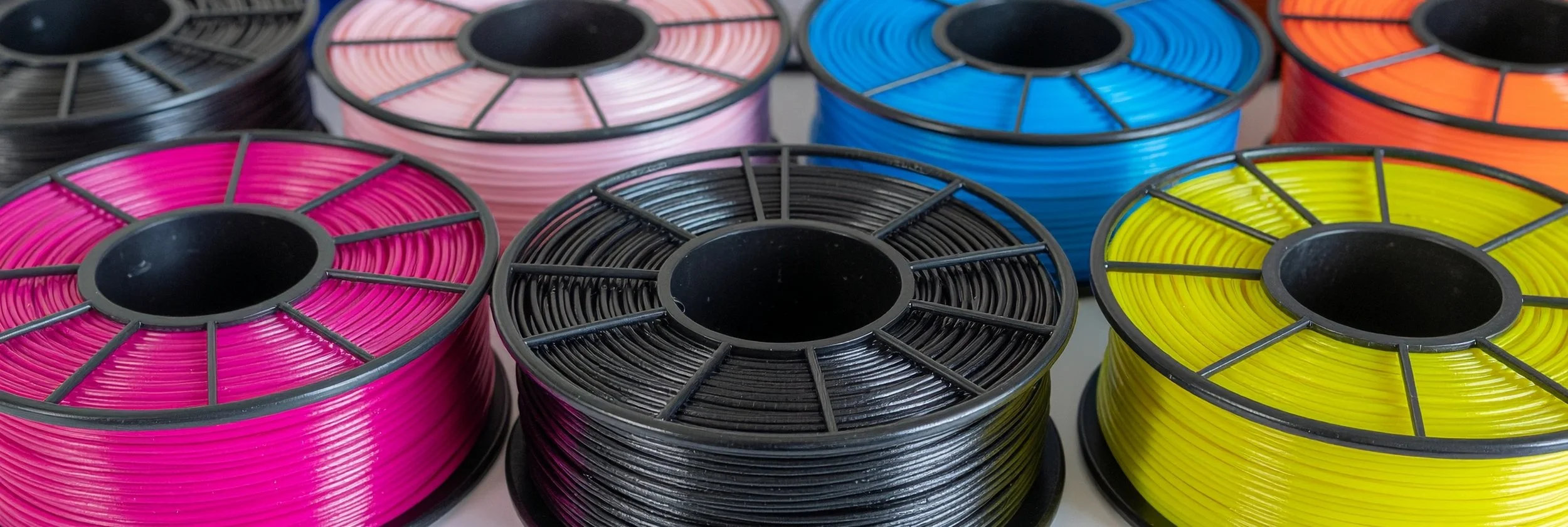
Filament will set you back anywhere from $20 to $100 per kilogram. For everyday prints, go with a cost-effective PLA and buy in bulk. Recyclable filament is available, but it’s pricier. If you use brand-specific filament like Prusament or UltiMaker, expect to pay a premium, though in some cases, the higher quality can be worth it.
Think about environment and sustainability too. Do you want cardboard spools? They’re better (more environmental) than plastic, and many manufacturers are switching to them. Just make sure they roll smoothly on your printer’s spool holder as some holders are happier with plastic.
You’ll also need to plan for filament storage. Keep all spools in a dry, ventilated place. If you use an Automatic Material System (AMS), it will keep filament dry for you, but it may limit which brands or spool types you can use. Organisation here takes time and can get messy, so have a clear storage and usage plan from the start.
Once you’ve got the hang of things, calculate your annual printing budget including filament and maintenance consumables. The school accountants will love you for it.
Printer Checklist
We have gathered and streamlined our thoughts on this downloadable PDF: “The 3D Printer Purchase Checklist”
At Nexgen, every project starts with 3D modelling because we believe it’s the best way to turn a project into a product — using an engineering process built on creativity, precision, and confidence within a community context. If you want to elevate your STEM projects and help students transform their ideas into tangible, purposeful products through a standardised design process, talk to us.
I should also add that Bambu Lab didn’t pay me anything in the making of this blog entry, however I do have my own affiliate link.
About Nexgen
Nexgen exists to help schools move beyond surface-level technology use and toward genuine technical capability. We focus on teaching students how systems work, how to think critically about technology, and how to build real things with confidence. Our programs emphasise creativity, curiosity, problem-solving, and collaboration, preparing students not just to use tools, but to understand them and shape what comes next.
Let’s Talk
If you are a teacher, school leader, or education decision-maker thinking seriously about how to prepare students for a rapidly changing technological landscape, we would love to have a conversation. Not a pitch, not a product demo, just a discussion about where your school is now and where it wants to go.
You can get in touch by contacting pete@nexgenstemschool.com.au
